
Think aloud with AI
Capture a character’s words or the feeling of a scene while it is fresh. Use text or voice input to develop the idea in a conversation about your work.
Voice transcription uses AI credits.
NovelShaft for iPhone & iPad
Talk through a scene on your phone. Refine a sentence on your iPad. Keep your conversations, manuscript, and reference material together, and continue the same work on the Web.
Available for iPhone and iPad. Free download with in-app purchases. The Android app is being prepared for release.
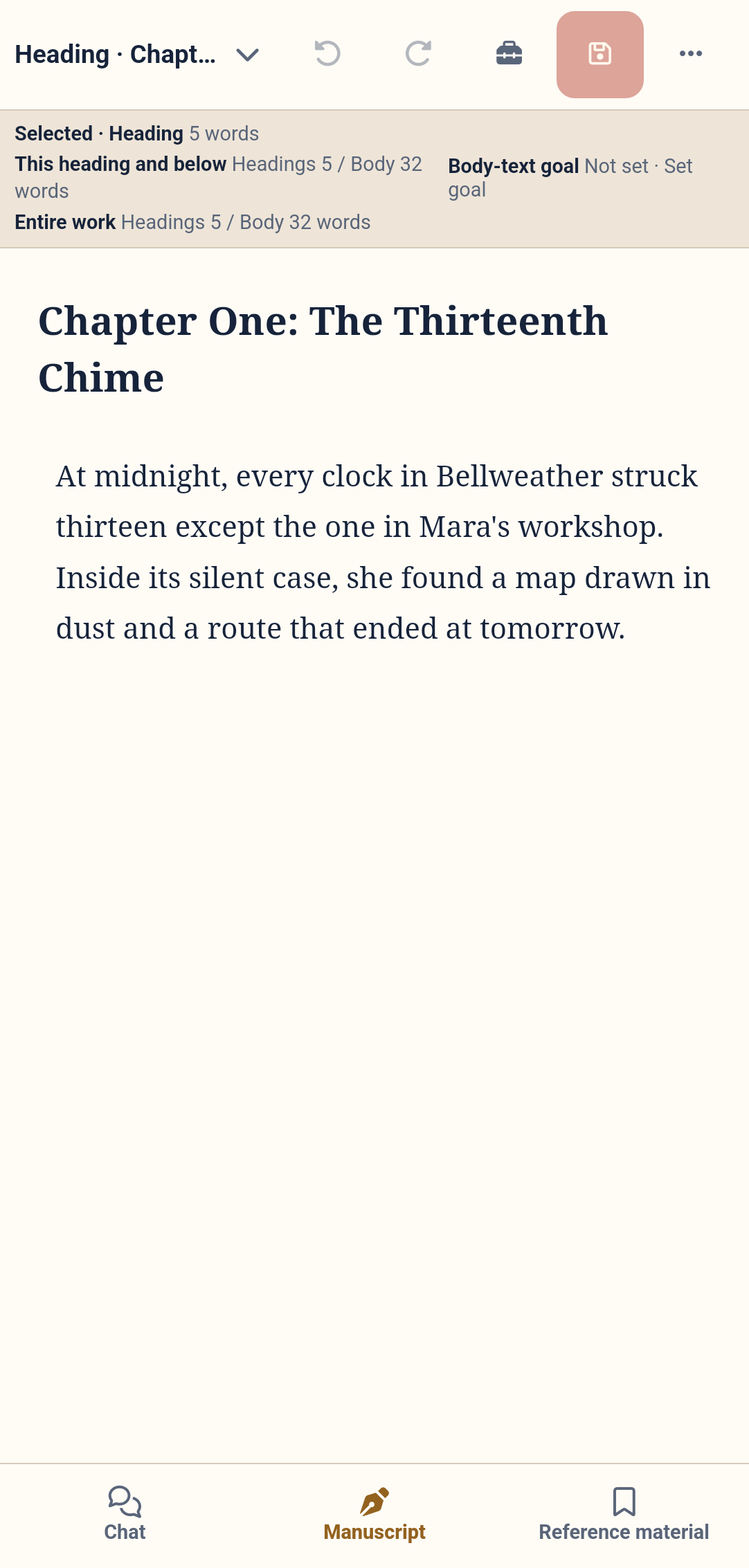
Switch between conversation, manuscript, and references to focus on the part of your work that needs you now.
Capture a character’s words or the feeling of a scene while it is fresh. Use text or voice input to develop the idea in a conversation about your work.
Voice transcription uses AI credits.
Open and edit the manuscript, then check a character or setting in your reference material. Both stay with the work, ready for the next writing session.
Export and share your work from the app. Keep a copy for yourself or take the manuscript into the next stage of your creative process.
Sign in with the NovelShaft account you already use on the Web. Your works, conversations, manuscripts, and reference material are shared across devices.
Use your phone for a quick conversation, then your PC for a longer writing session. There is no need to copy the manuscript between separate projects.
Continue on the Web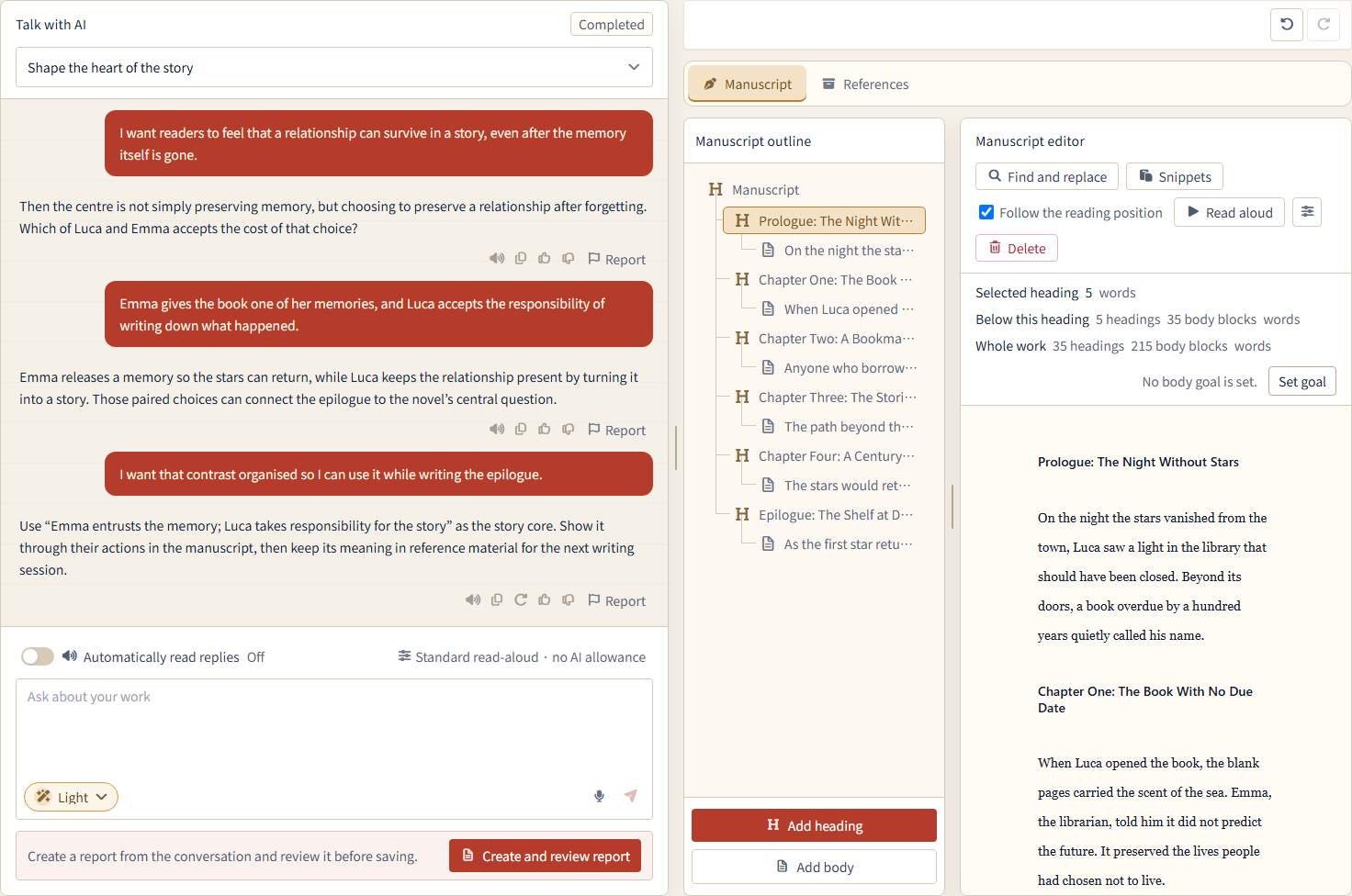

Download NovelShaft on your iPhone or iPad and open the work you want to write next.
Download on the App StoreNo. Sign in to the app with the same NovelShaft account you use on the Web. If you are new to NovelShaft, you can create an account in the app or on the Web. Create an account on the Web
Yes. The Free plan lets you try the core writing experience. AI conversations and voice transcription use AI credits. Plan entitlements and AI credits are shared with the Web app. Compare plan features
An internet connection is required for AI conversations, loading works, and saving to the server. Use the app while connected, and export important works regularly to keep a copy of your own.