
We are looking for people who would like to try NovelShaft and share their experiences.
Perhaps you could not find an action, something behaved differently than expected, or you thought of a feature that would help you write. We would love to hear about it. You are welcome to send a short comment, even if you have only just started using NovelShaft.
Send a message from Feedback in the sidebar
After signing in to the web app, you can find Feedback at the bottom of the left sidebar. On a narrow screen, open the sidebar first.
- Open Feedback.
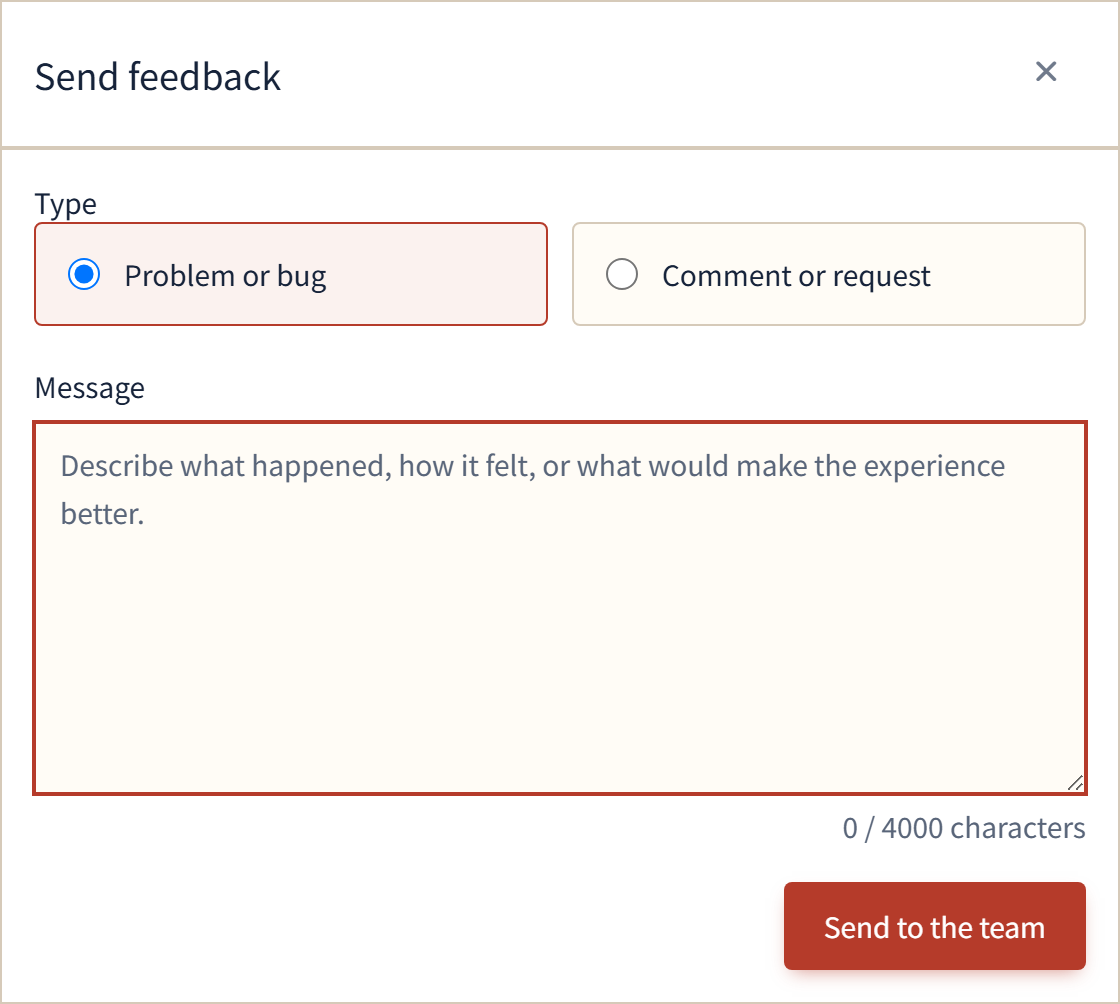
- Choose Problem or bug or Comment or request, then write your message.
- Select Send to the team.
You do not need to be certain that something is a bug before reporting it. If you can, tell us what you were trying to do and what happened. This helps us understand the issue.
We will review your feedback and use it to guide improvements to NovelShaft. Please feel free to share what you notice while writing.