
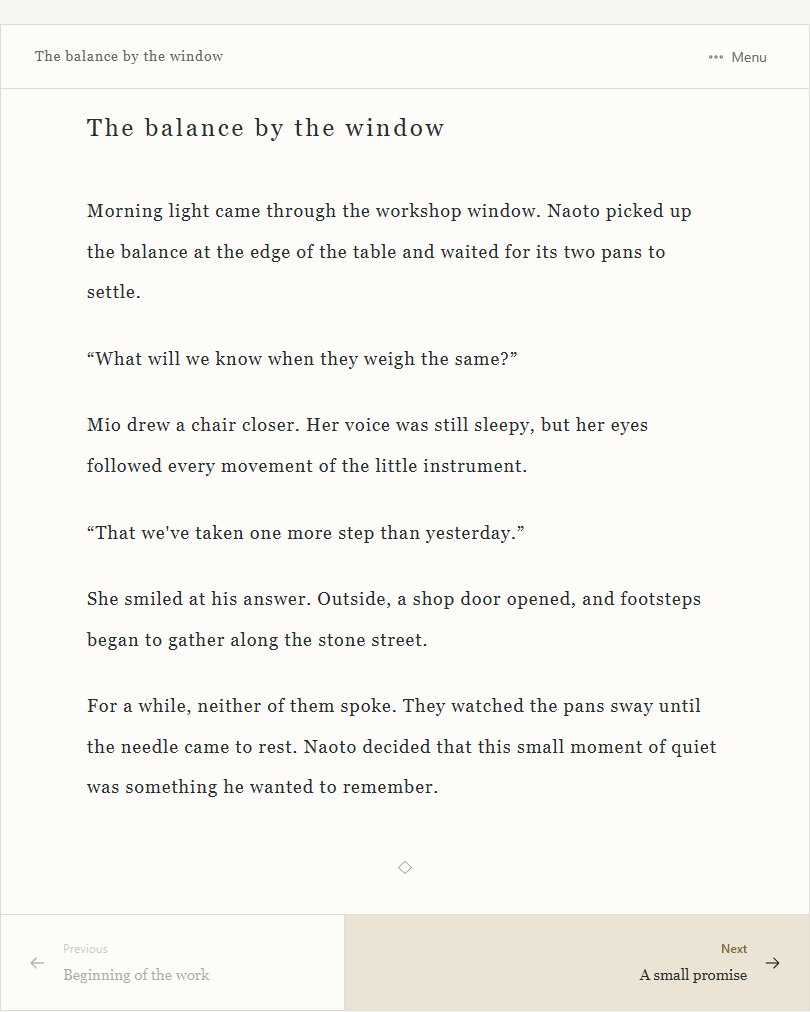
We have redesigned the reader so people can enjoy shared works with settings that suit them. Readers can open a shared work without signing in.
Open Display settings in the reading menu to choose horizontal or vertical text, font size, line spacing, colors, and ruby visibility. Your preferences and reading position stay in the browser you are using, so you can pick up where you left off. The layout gives the text more room in a phone browser, while keyboard controls on a computer let you move through the text and between headings.
The reader displays ruby readings supplied by the author. With a compatible voice available on the device, Read aloud uses the browser's speech feature to read the text. It uses registered ruby readings even when ruby is hidden on screen. Available voices and support vary by device and browser.
Shared works now use URLs on works.novelshaft.com. Open a work's publication settings in the web app to choose who can read it and get its link. You can continue to set the title and author name, update the published content, stop publication, and regenerate an unlisted link there. After changing your manuscript or ruby readings, update the published content to show those changes in the reader.