
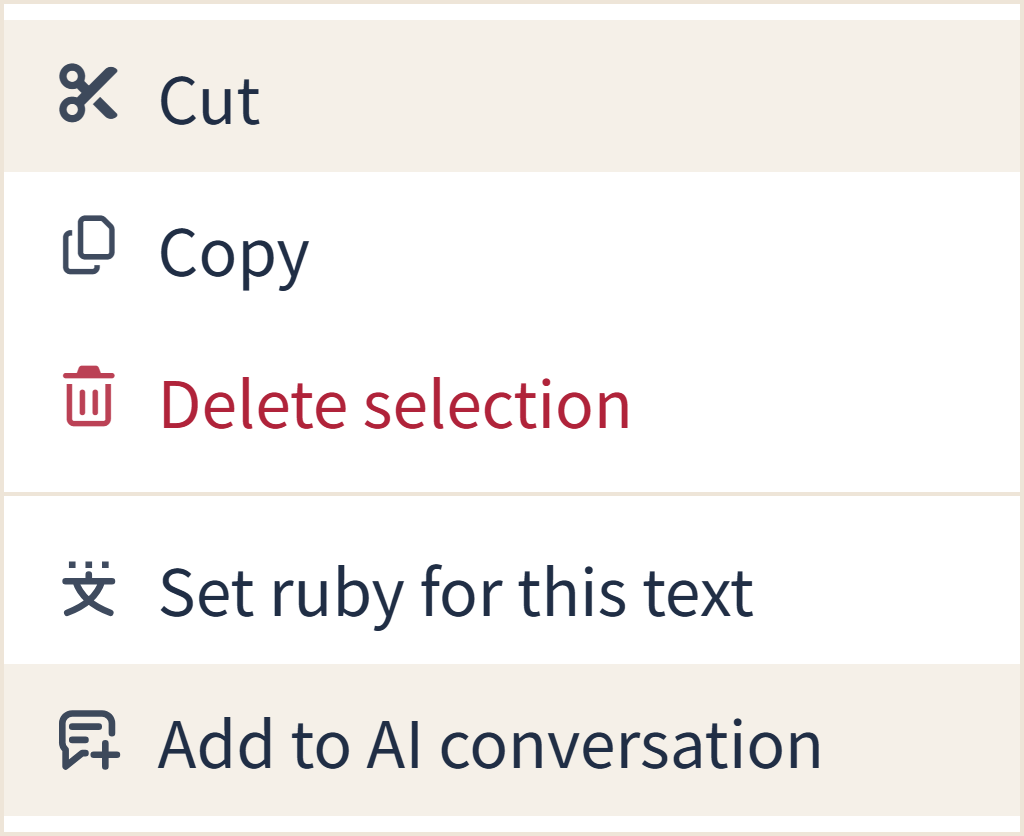
Some writing actions were difficult to recognize from their icons alone. In the web editor, we updated the icons for ruby annotations, text snippets, character counts, following the reading position, horizontal and vertical writing, and adding structured references.
Actions that add selected text or a reference to an AI conversation now use a speech bubble containing text with a plus sign. These actions add the material to the conversation input; they do not send it to the AI immediately.
Button labels and the way these actions work remain the same. This update applies to the web version.