
In the web app, Feedback now keeps new support conversations and replies from the team together. You can reply within the same conversation and attach files to explain what happened. Open the conversation history whenever you need to review the exchange.
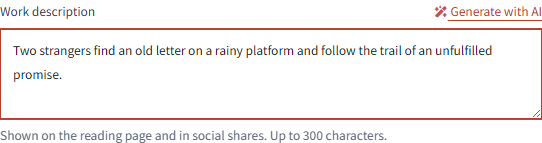
Publication settings now includes Generate with AI for your work description. It drafts a description from the content in your chosen publication range, so you can edit it into the words you want readers to see. Generating a description does not publish your work. Review the text before publishing. Generation uses your AI allowance.
When reviewing changes made by AI, the comparison screen now remembers whether you chose Side by side or Unified. Your next comparison opens in the view you selected.
Feedback from the mobile app is currently unavailable. Please send your message from Feedback in the web app.