
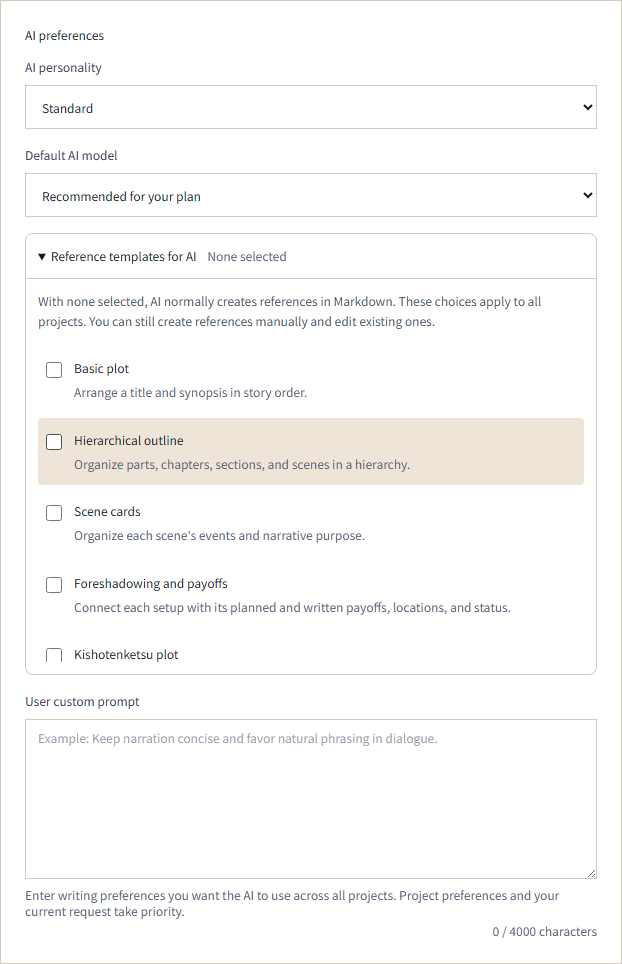
When developing characters or planning a plot with AI, you may want to organize your notes without fitting them into predefined fields. AI now uses Markdown by default when creating reference documents, giving you room to write and arrange text freely.
If you prefer a template, open Preferences → AI preferences → Reference templates for AI in the web app. Check the templates you want to make available, then select Save. AI can use your selected templates when creating references.
All options start off, including for existing accounts that have not made a selection. Your choices apply to all your projects.
You can continue editing existing references and manually choosing templates to create new ones.