
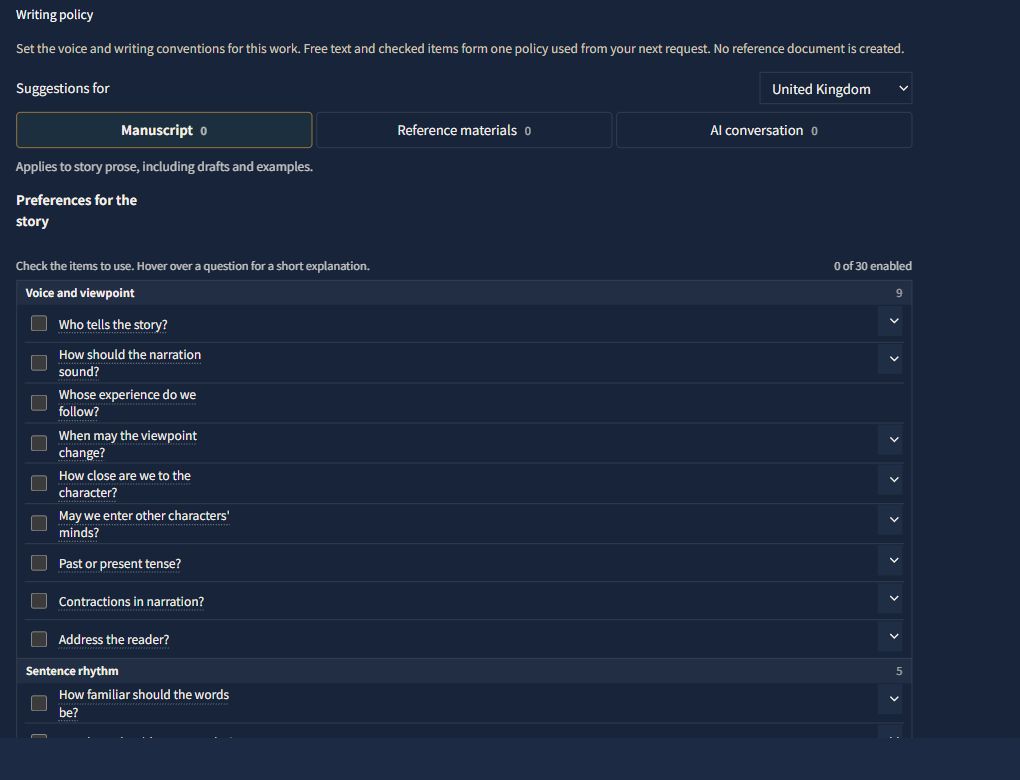
On the web, English-language projects now offer separate US, UK and Australian sets of questions and suggestions for writing preferences.
Open Project in the writing workspace and use Suggestions for under Writing policy. The sets include questions about spelling, dialogue quotation marks, punctuation and narration, with different items and choices in each set. Selecting a region does not set any writing rules by itself. Check only the items you want to use, or enter your own wording.
When you switch regions, any active instruction whose question is no longer shown is carried into the free-text field for the same scope. Unchecked answers remain as drafts, ready to review if you switch back.
This does not change the project's writing language or the story's setting. Projects with the previous English items keep them until you explicitly choose a region.