
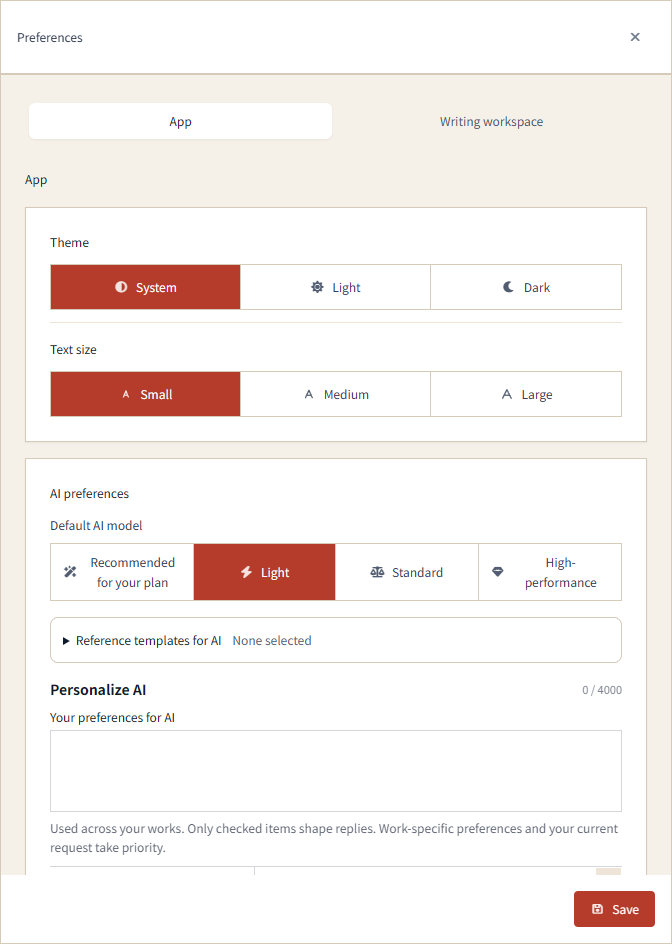
On the web, preferences now use consistent selection buttons for settings such as theme, text size, default AI model, read-aloud mode, and badge celebrations and sound.
Save stays visible at the bottom of Preferences. In both the App and Writing workspace tabs, you can save from your current scroll position.
When manuscript tool names are hidden, hover over an icon to see its name. On desktop, the voice input button has moved to the left of Undo, and the unused space beneath the manuscript panes has been removed.
The reference Markdown editor also follows the main interface's font and text size, with colors matching the manuscript editor. In AI chat, duplicate progress information in the execution log has been removed.