
Free
$0/30 days
200 regular AI credits / 30 days
Available AI Lightweight
Try the core experience with basic conversations and a small reference collection.
NovelShaft is a novel-writing app that carries a typed or spoken fragment through AI-assisted thinking, long-form revision, and manuscript export. Useful results do not have to disappear into chat history: keep what you choose in the manuscript, its outline, or reference material for the same work.
A short NovelShaft walkthrough
Starting with “I’d like to write Momotaro,” this real-screen walkthrough shows how a conversation becomes reference material, a plot, a first chapter, revisions, and a story ready to share.
Start writing for free Play video
Playing connects to YouTube. Watch on YouTube
Keep characters and worldbuilding in reference material, story structure in the manuscript outline, and reader-facing prose in the manuscript. What you choose can support the next conversation and writing session.
Start with a scene, character, line, mood, spoken note, or draft already in progress.
Discuss structure, setting, and expression while keeping the manuscript, outline, and references together.
Save selected results in the right place, then use them in the next writing or review session.
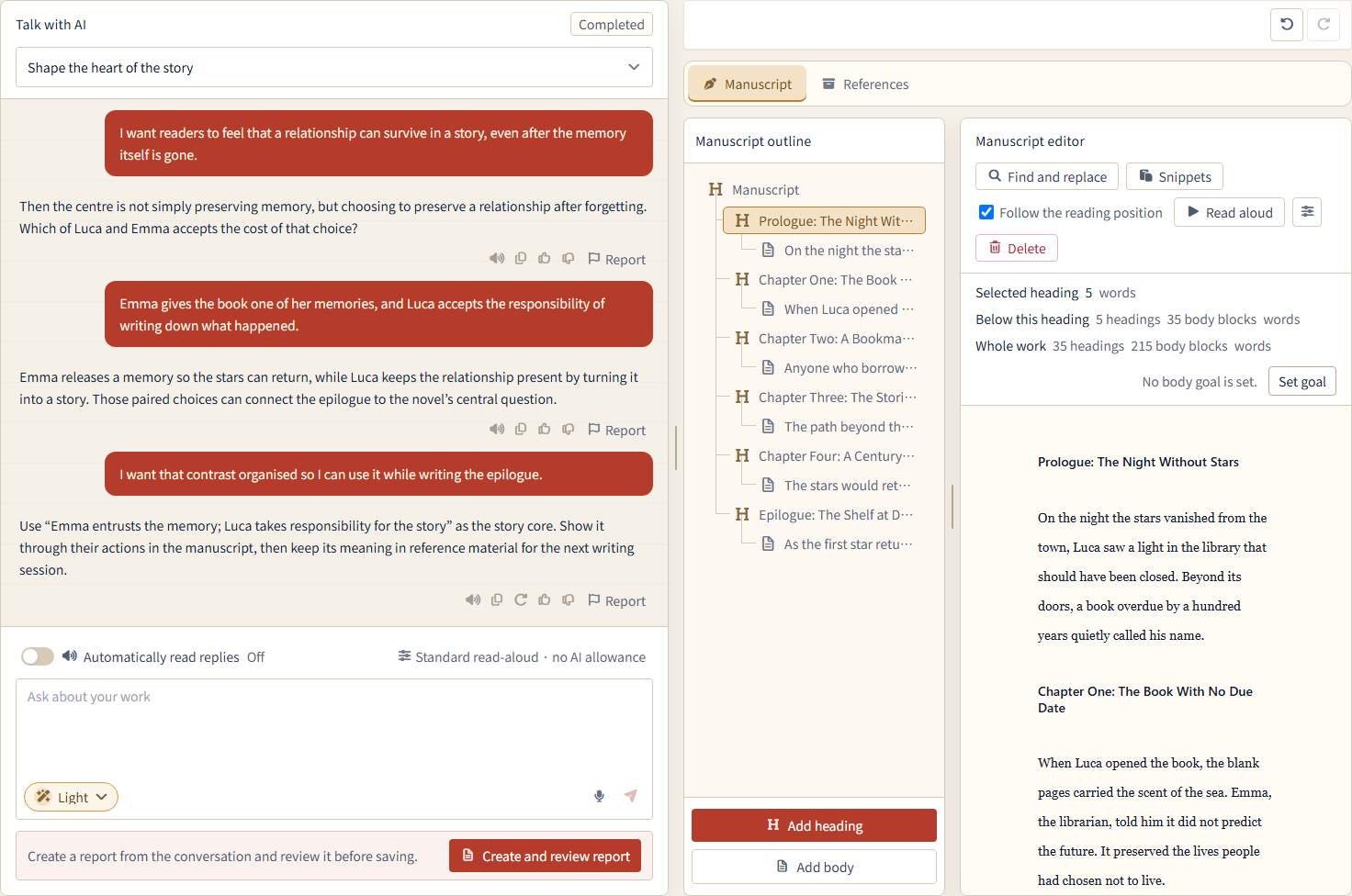
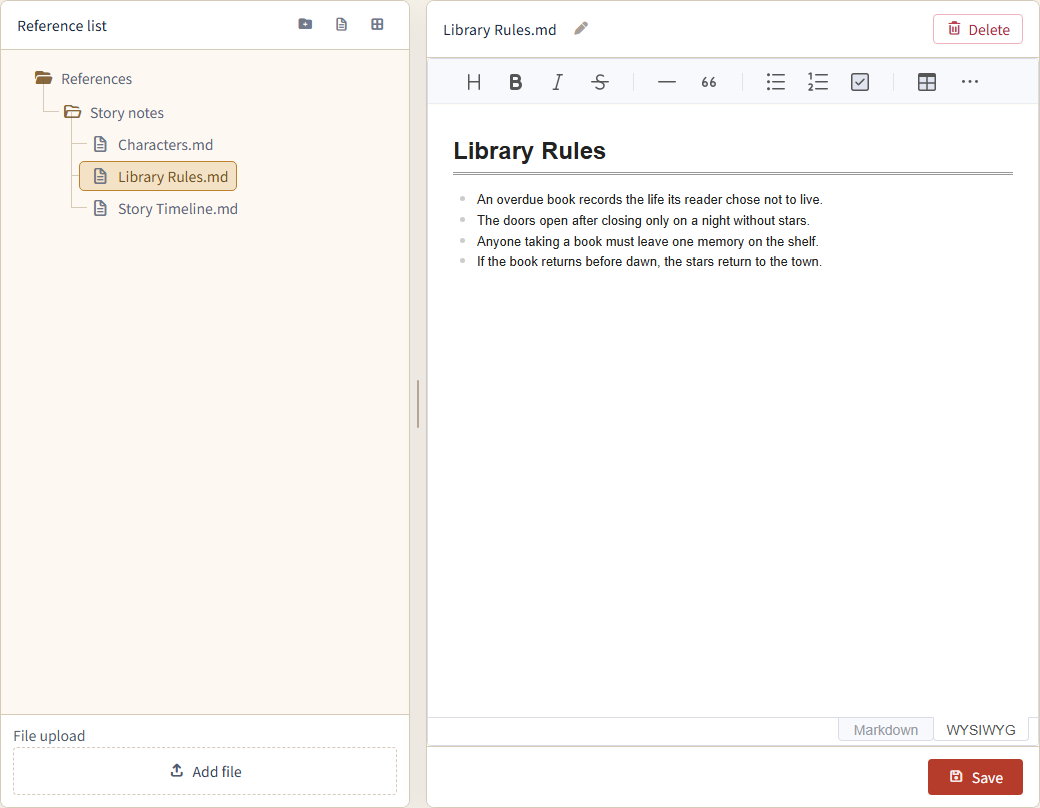
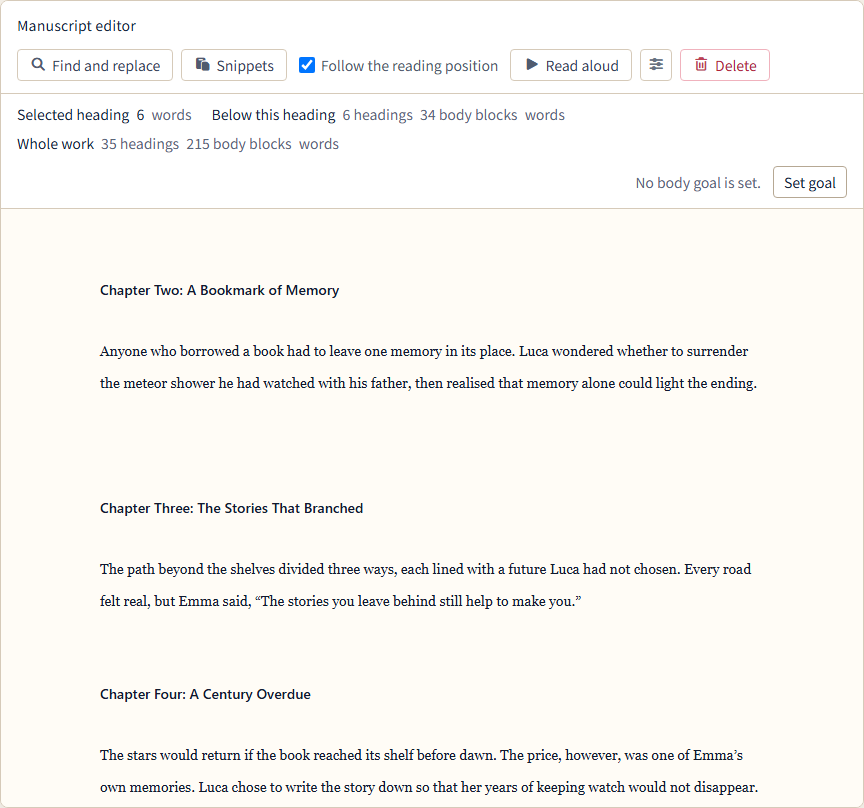
Navigate chapters and scenes in the manuscript outline. Keep characters, timelines, world rules, and research separate as reference material. After a break, return to the context stored with the same project.
This supports review; it does not guarantee complete or automatic contradiction detection. Treat AI observations as prompts for your own review.
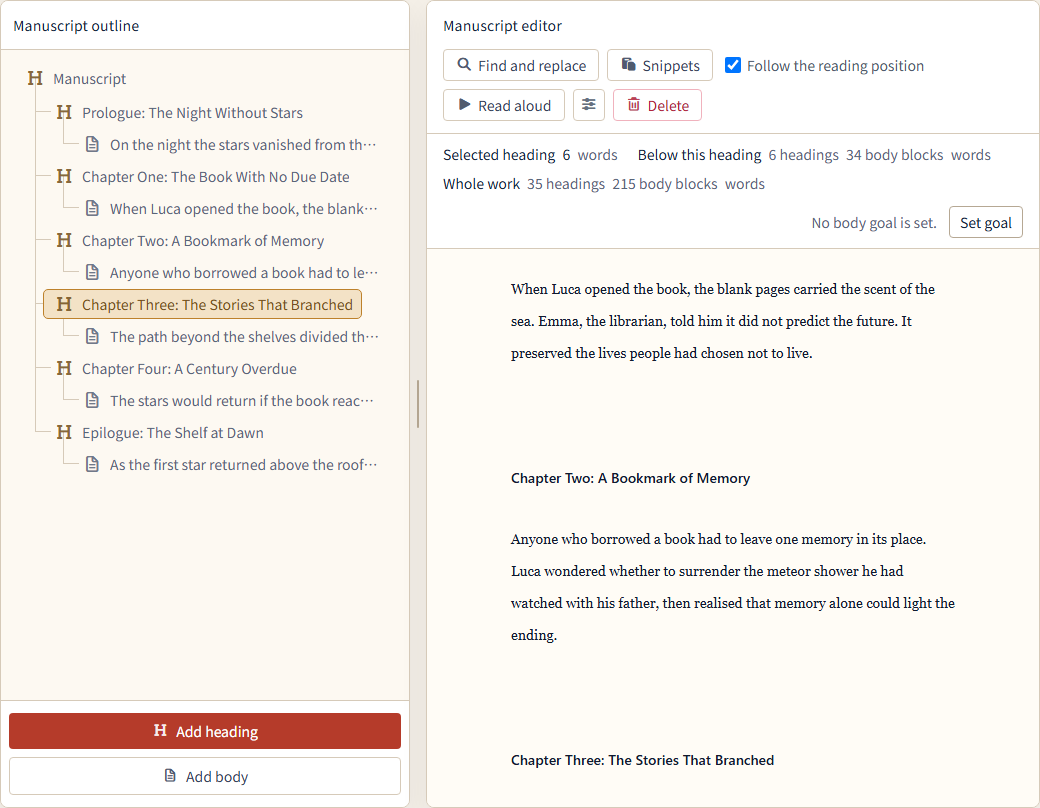
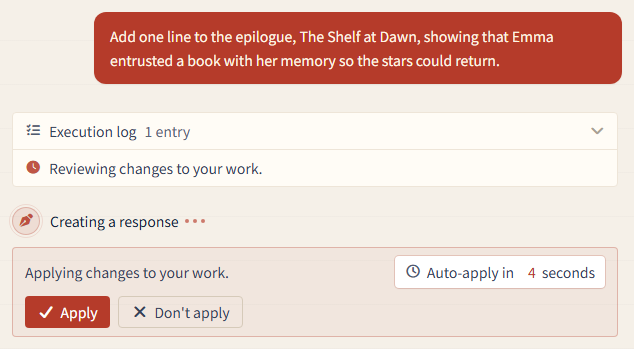
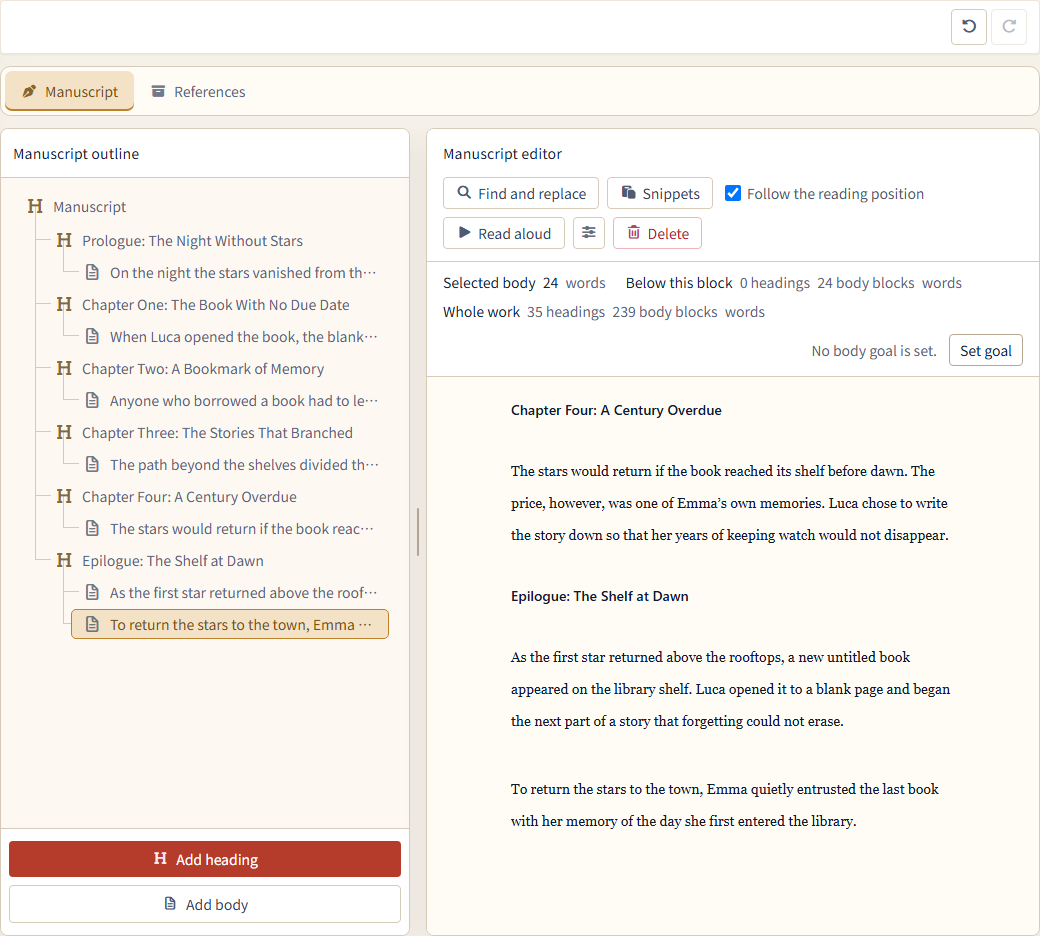
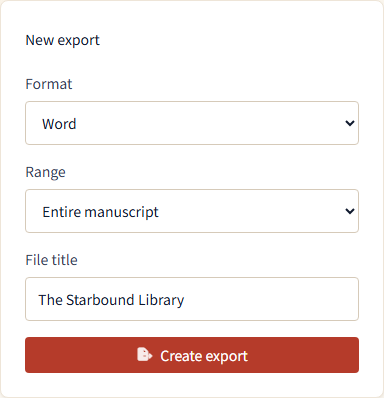
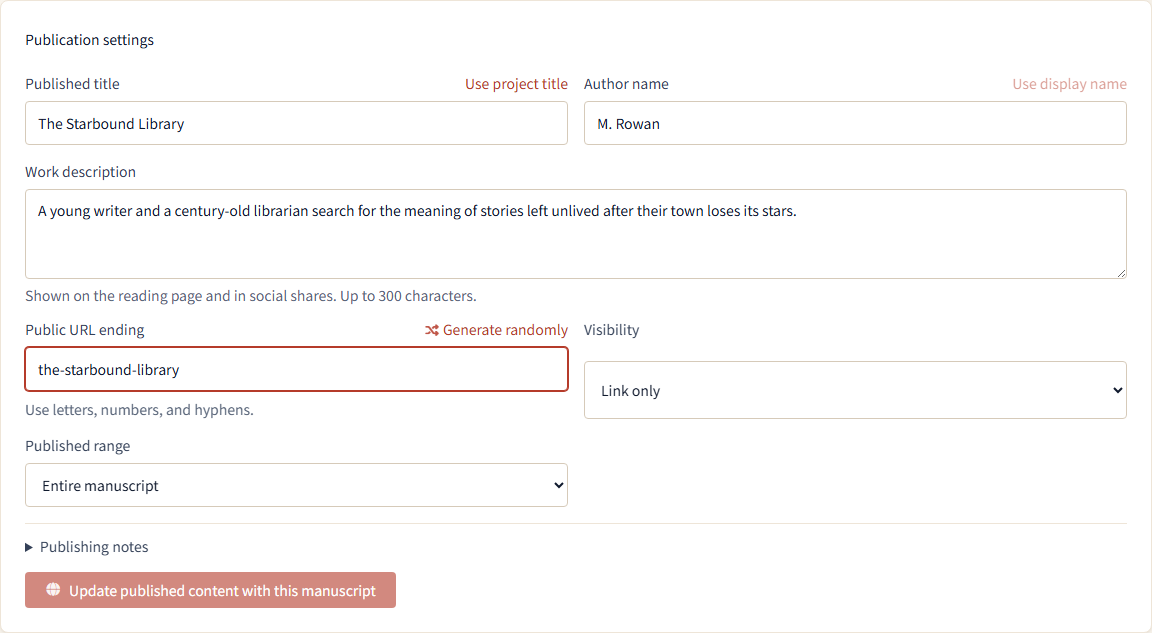
Finish the prose yourself with horizontal or vertical writing and read-aloud support. Export the full manuscript, or a selected heading and its contents, as Text, Markdown, Word (DOCX), PDF, or EPUB 3. Publication uses a saved manuscript snapshot, so later edits stay private until you update the published version.
Light novels were born and nurtured in Japan. NovelShaft keeps exploring new writing experiences to help shape what comes next for this culture.
OTAKU culture’s deep love of stories and dedication to the details guide our work. Authors stay in control as we turn advances in AI into more ways to think, write, and develop a novel.
Where NovelShaft is headedTalk through an idea while you are out, then keep writing on your PC. The mobile app shares your account and works with the Web app. Now available on the App Store.
Free covers the core experience. Paid plans expand AI credits, available AI models, reference storage, the reference and recent-conversation context AI can use, and long-response limits.
$0/30 days
200 regular AI credits / 30 days
Available AI Lightweight
Try the core experience with basic conversations and a small reference collection.
$3/month
1,200 AI credits / month
Available AI Lightweight · Standard
Limited-time Web offer
Try Standard AI with Light's reference, conversation, and response limits.
Up to 3 monthly payments ($9 total), then automatically ends. No automatic upgrade.
Offer dates and terms$15/month
4,500 AI credits / month
Available AI Lightweight · Standard
Standard AI with broader reference, conversation, and response limits than Free.
$30/month
9,450 AI credits / month
Available AI Lightweight · Standard
Substantially larger reference, search, conversation-context, and output limits than Light.
$90/month
29,700 AI credits / month
Available AI Lightweight · Standard · Advanced
Advanced AI and the largest current reference, search, context, and output limits.
Paid-plan AI credits last 90 days from each monthly issue. Unused credits keep their own expiration dates.
Mini is a limited Web offer: 1,200 monthly AI credits, Light and Standard AI, and an automatic end after up to 3 monthly payments. Reference, context, and output limits match Light. See Mini dates and terms
Scroll horizontally to see the full table.
| Comparison | Free | Mini ($3) | Light | Standard | Pro |
|---|---|---|---|---|---|
| AI credits per period | 200 / 30 days | 1,200 / month | 4,500 / month | 9,450 / month | 29,700 / month |
| Available AI | Lightweight | Lightweight · Standard | Lightweight · Standard | Lightweight · Standard | Lightweight · Standard · Advanced |
| Reference storage capacity | Small | Larger than Free | Larger than Free | Much larger for long-form work | Current maximum |
| Reference and conversation context available to AI | Basic | Broader than Free | Broader than Free | Substantially broader than Light | Current maximum |
| Long AI response limit | Basic | Higher than Free | Higher than Free | Higher than Light | Current maximum |
| Additional AI credits | Available to purchase | Available to purchase | Available to purchase | Available to purchase | Available to purchase |
Reference storage capacity compares the total storage, number of files, and maximum size of one file for each work.
Reference and conversation context available to AI includes relevant-passage searches, text excerpts, reference material, and recent conversation passed in one response.
Long AI response limit is the technical maximum amount of text AI can produce in one response. It does not mean every response will use the full limit.
Current storage, file-count, searchable-text, and output limits are available on the plan-change screen after you create an account.
No credit card required.
For developers and users who work with a terminal: use MCP with an external AI, or NovelShaft CLI from your own scripts, to access works, manuscripts, and reference materials.
Both are in preparation. See the specifications and availability before setting up a connection.
No. AI can ask, organize, suggest, and draft when requested. You can skip a limited change during its five-second window, inspect it afterward, and use project-wide Undo. The author decides what remains.
The conversation, manuscript, outline, and reference material belong to the same project. Useful results can remain with the work and support later writing.
Yes. Start with a scene or character, or bring an existing draft and reference material into a project. Typed and spoken input are supported.
No. AI can help compare available manuscript and reference context, but complete or automatic contradiction detection is not guaranteed.
Yes. Export all or part of the manuscript as Text, Markdown, Word (DOCX), PDF, or EPUB 3. Keep it private, share a link-only page, or publish it.
Rights you hold remain with you. Providers including OpenAI process selected content for requested features. Creative content is not used for unrelated advertising, to train a general-purpose model owned by the Operator, or to create datasets for other users. Review AI output before publishing or selling it.
The Web app is verified on desktop Google Chrome. The iOS app is available on the App Store for iPhone and iPad, using the same account and works as the Web app. Explore the mobile app. The Android app is being prepared for release.
Yes. New accounts receive 1,300 welcome credits plus 200 Free credits, for 1,500 credits valid for 90 days. No payment information is required. The welcome credits do not renew. While on Free, another 200 credits are granted on the next use at least 30 days after the previous grant; each grant remains usable until its own 90-day expiry.
Bring the next scene, character, line, mood, or draft into NovelShaft.